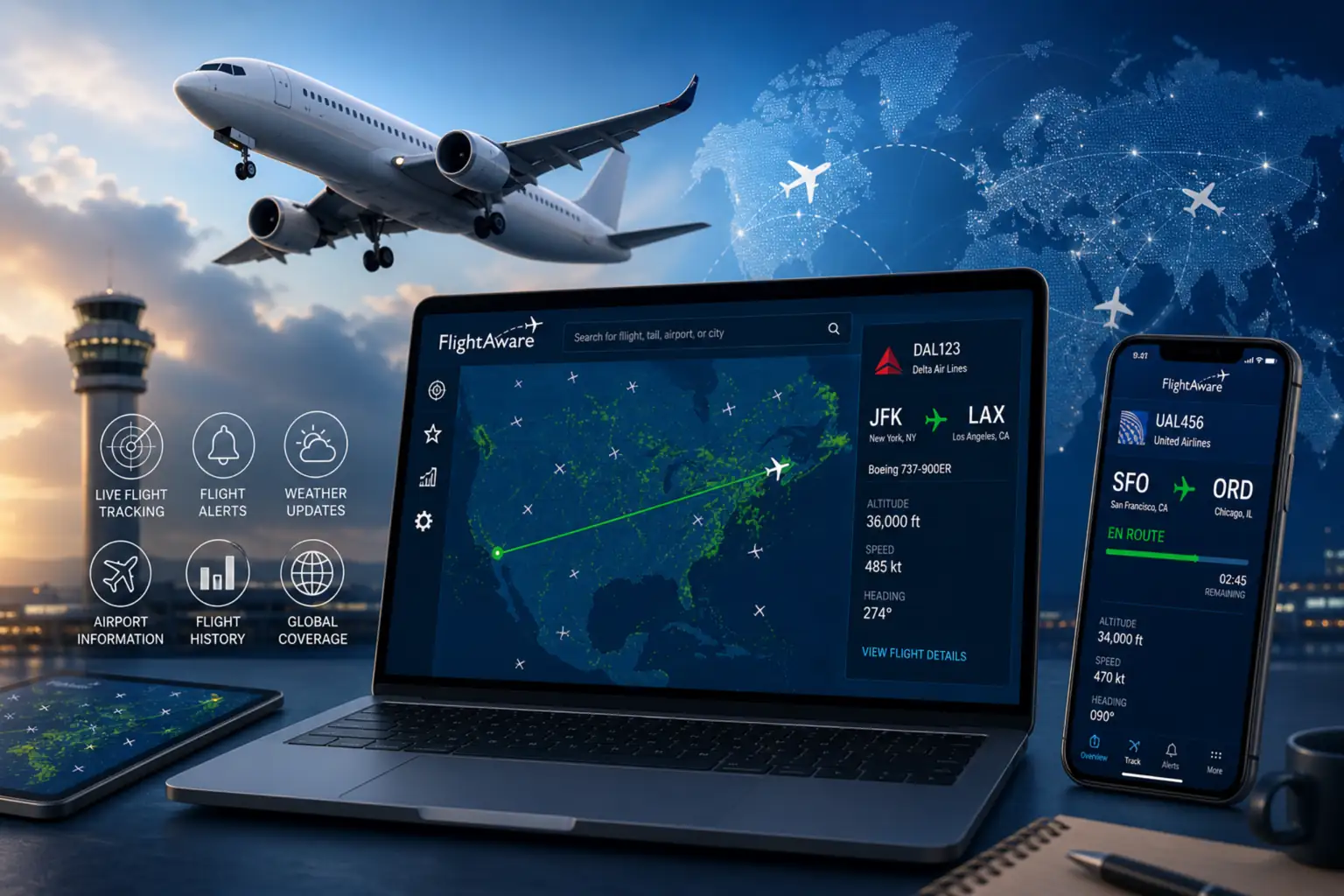

If you’ve ever waited at an airport wondering where your flight is, FlightAware has probably saved your sanity. This trusted platform gives you live flight tracking, flight status alerts, real-time flight updates, and historical data — all in one place, free to use. Whether you’re a traveler, aviation enthusiast, family member waiting for a loved one, or airline staff member coordinating arrivals, FlightAware has something practical to offer. Private pilots use it too, often to share routes with passengers before departure.
- What Is FlightAware?
- How Does FlightAware Work?
- Key Features of FlightAware
- Flight Alerts and Notifications
- Interactive Live Map
- Flight History and Track Log
- Aircraft Photo Gallery
- How to Use FlightAware Step-by-Step
- Who Should Use FlightAware?
- FlightAware for Private and Business Aviation
- FlightAware Pricing Plans — Free vs Premium
- FlightAware vs Other Flight Trackers
- Is FlightAware Accurate? Pros and Cons
- FlightAware for OSINT and Open-Source Investigations
- Conclusion
- FAQs
- FAQ 1: What is FlightAware used for?
- FAQ 2: How accurate and live is FlightAware data?
- FAQ 3: Is FlightAware free to use?
- FAQ 4: What is the difference between FlightAware’s free and paid plans?
- FAQ 5: Can I track international flights on FlightAware?
- FAQ 6: Is FlightAware better than Flightradar24?
- FAQ 7: Does FlightAware track private jets?
- FAQ 8: Can I use FlightAware for OSINT research and geolocation?
As one of the leading names in global aviation data, FlightAware.com continues to grow its reach in 2025. This guide covers everything you need to know about the platform and how to get the most out of it.
What Is FlightAware?
FlightAware is a digital platform and multinational technology company that offers live flight tracking, real-time tracking, chronicled tracking, and predictive flight tracking services. It delivers up-to-the-second information on flights happening around the world by pulling data from airlines, airports, air traffic control systems, and satellite data.
Unlike a basic airline app that only shows your booking, FlightAware covers commercial flights, private flights, charter aircraft, and general aviation — making it one of the most comprehensive tools in the space as a truly global aviation data platform. Flight status alerts keep users informed the moment something changes.
FlightAware at a Glance
| Detail | Info |
| Founded | March 17, 2004 |
| Launched | September 8, 2004 |
| Headquarters | Houston, Texas |
| CEO | Daniel Baker |
| CTO | Karl Lehenbauer |
| Languages Supported | 18 |
| Total Users | 12+ million |
| Monthly Active Users | 10 million+ |
| Parent Company | Collins Aerospace (subsidiary) |
| Coverage Start | US & Canada (2004), Global (2008) |
| Status | Active |
How Does FlightAware Work?
At its core, FlightAware collects data from a massive network of over 20,000 terrestrial ADS-B (Automatic Dependent Surveillance-Broadcast) receivers placed at ground stations across the globe. These receivers pick up position signals broadcast directly from aircraft transponders and update locations multiple times per minute.
Beyond ADS-B, the platform aggregates data from over 50 government sources, commercial data providers, dozens of airlines, and community-generated data feeds — enabling holistic analytics for aviators and operators alike. Its proprietary algorithms then process all of this to generate delay estimates and arrival time estimates.
Data Sources and Coverage
FlightAware doesn’t just rely on one signal type. For aircraft without ADS-B transponders, it uses MLAT (multilateration) — a technique that calculates position based on signal timing from multiple receivers. This expands worldwide data coverage significantly.
That said, coverage isn’t perfect everywhere. In remote regions like Northern Canada and Siberia, tracking can be intermittent. In those cases, FlightAware provides best-estimate flight paths rather than confirmed real-time positions — a known coverage limitation users should keep in mind.
International flights are well-covered in most areas, but certain data — including European airspace information and ACARS/ARINC/SITA datalink feeds — may be restricted due to government regulations or commercial agreements. Flights operating under VFR without a filed flight plan may appear as position-only entries with no origin or destination shown. Non-US registrations may also carry limited detail depending on the data agreement in place for that region.
How Live Is FlightAware Tracking Data?
Data on FlightAware is typically delayed by about 30 seconds from real-time. The animated map may lag by one to two minutes since it’s animating the aircraft’s movement toward its last known position rather than updating instantaneously.
Updates come in one to four times per minute, depending on the data source. Registered and logged-in members receive more frequent page refreshes. On the map, eastbound tracks appear in purple and westbound in green — a color coding system that includes clearly labelled waypoints, making it much faster to read traffic patterns once you know it.
Key Features of FlightAware
FlightAware packs a lot into its free tier. The features span casual traveler needs all the way to professional aviation tools.
- Live Flight Tracking — Real-time status including departure, arrival, speed, altitude, and route
- Airport Delay Maps — Visualize delay and cancellation patterns at major airports (the “Misery Map” is particularly useful during storm seasons)
- Weather Overlays — Weather radar layered directly onto flight routes
- Flight History — Look up previous flights going back several months
- FBO Directory — Useful for business aviation operators and fixed-base operators
- AeroAPI & Firehose — Developer-grade data feeds for enterprise integrations
- GeoAlerts — Sends real-time alerts when an aircraft enters or exits a user-defined geographic zone
- Integrated Mapping Solution — Extends single-flight tracking capabilities to entire airports, covering both surface and airborne aircraft
- Predictive Technology — Powers delay forecasting and arrival time estimates that operators and passengers rely on daily
Flight Alerts and Notifications
You can set up flight alerts without even creating an account on the website, though registered users get more control. Alerts cover departure, arrival, delays, gate changes, cancellations, and diversions.
Notifications arrive via email or SMS. The mobile app adds push notifications, which makes it especially useful for drivers heading to pick someone up — you get notified before the airline even updates their boards. OSINT monitoring users also rely on flight alert setups to receive real-time notifications the moment a tracked aircraft moves.
Interactive Live Map
The live map on FlightAware’s homepage is one of its most-used features. Hovering over any aircraft shows a quick summary: call sign, altitude, route using airport codes, estimated landing time, and speed.
Clicking on an aircraft takes you to a full flight page with detailed information. Airports on the map appear as dots marked with three-letter IATA codes — green dots indicate outgoing commercial flights, blue for incoming, and white for aircraft passing through the airspace.
You can filter the entire map by altitude, speed, flight type (commercial, business, cargo, general aviation, MEDEVAC), and aircraft type. The solid line on a flight path shows the actual route flown; a dashed line shows the originally filed plan. If both appear together, the aircraft deviated from its route — usually due to weather, traffic, or a shortcut approved by ATC.
Flight History and Track Log
For completed flights, FlightAware lets you click View Track Log under Flight Details to access the full flight record. From there, clicking the Google Earth icon in the top left lets you download a KML file of the complete flight log — including GPS coordinates, altitude data, and timestamps. Open it in Google Earth Pro and you can visualize the entire flight path in 3D, right down to street level for cities along the route.
This feature does have a catch: historical data access is limited on free accounts. Older flights or detailed track logs may require a paid subscription.
Aircraft Photo Gallery
FlightAware hosts a community photo gallery organized by aircraft type, airline, and airport. If you have a tail number or registration number, you can search for matching photos directly from the Community page. The Aircraft Details Page also surfaces relevant photos when you view a specific flight. You can filter results by aircraft, airport, airline, or date. It’s a small feature, but planespotters and researchers find it genuinely useful.
How to Use FlightAware Step-by-Step
On Desktop
- Go to FlightAware.com
- In the search bar, enter a flight number, airline name, airport, or city
- Select Search by Flight if you know the flight code, or Search by Route to look up by origin and destination
- Click Track to load real-time updates
- The results page shows the aircraft’s upcoming flights and past flights — tap a schedule date card to view a specific journey’s full details, including departure time and arrival time
- Tap More Details to see average speed, flight duration, distance, and route-level delay history
- Use the Where Is My Plane button to check the current aircraft location and whether the inbound flight is on time with the Track Inbound Plane button
On Mobile App
- Download the FlightAware app — available on iOS (App Store) and Android (Google Play)
- Tap Search and enter a flight number or tail number
- Tap Track Flight to pull up live status and map location
- Enable push notifications for automated alerts
- Use the location icon (iOS) or Nearby Me via the hamburger menu (Android) to see nearby flights currently overhead
- The animated map at the bottom updates with nearby aircraft — tap any plane for its route and call sign
The current app version (6.23.7 as of mid-2025) includes dark mode, faster search, improved notifications, and airspace weather alerts.
Who Should Use FlightAware?
FlightAware serves a wider audience than most people expect. Here’s how different users actually benefit:
- Travelers — Check delay status, inbound aircraft status, and gate changes before leaving for the airport
- Families & Friends — Track arrival times to coordinate pickups without guessing
- Frequent Flyers — Monitor airport congestion, terminal info, and connection risk
- Business Travelers — Set real-time alerts to stay ahead of disruptions
- Private Pilots — Share flight details with passengers or crew; access general aviation tracking
- Airline Employees — Monitor flight operations and passenger connection windows
- OSINT Researchers & Journalists — Track aircraft movements for investigations and news reporting
- Planespotters — Browse live maps, photo galleries, and tail number lookups for aviation interest
- Charter Companies & Corporate Flight Departments — Monitor fleet movements, share trip details with clients, and stay informed on airspace conditions
FlightAware for Private and Business Aviation
For private and business jet operations, FlightAware offers dedicated tools that go well beyond what the public-facing site provides.
FlightAware Global is the industry standard platform for business aviation owners and operators. FlightAware Aviator is built for small aircraft and general aviation pilots, including piston engine aircraft owners who need detailed flight logs and performance data. FlightAware FBO Toolbox serves fixed-base operators managing ground services. GlobalBeacon provides GADSS-compliant tracking for airlines needing global aircraft monitoring. FlightAware TV delivers full-screen live map displays designed for FBO lobbies and operator facilities.
Aircraft owners can request that their tail number be blocked from public display. Even so, the underlying position data — broadcast on public radio frequencies and visible through government-operated systems — remains accessible in some form. FlightAware respects blocking requests within its own platform, but the information is technically public in nature.
FlightAware Pricing Plans — Free vs Premium
| Plan | Cost | Best For |
| Free | $0 | Casual travelers, basic tracking |
| Ad Remove | $0.99/month | Cleaner mobile experience |
| Aviator | $9.99/month ($100/year) | Piston aircraft owners, GA pilots |
| Aviator+ | $200/year | Enhanced GA data, extended history |
| Premium | ~$5/month | Advanced maps, no ads, longer history |
| Enterprise / Enterprise WX | Custom pricing | Corporate travel enterprises, aviation businesses |
| FlightAware Global | Custom pricing | Business aviation operators, FBOs |
For mobile users, micro-transactions like the ad-removal purchase keep the experience clean without committing to a full subscription. The Aviator and Aviator+ tiers deliver enhanced flight-tracking data specifically tailored to general aviation pilots. The free version handles the needs of most casual users without issue. If you fly your own aircraft or need extended flight history logs, the Aviator tier is worth considering.
FlightAware vs Other Flight Trackers
| Feature | FlightAware | Flightradar24 | RadarBox | Plane Finder | ADS-B Exchange |
| Free Tier | ✅ Strong | ✅ Strong | ✅ Limited | ✅ Limited | ✅ Full (no blocking) |
| Private Jet Tracking | ✅ Yes | ✅ Yes | ✅ Yes | ✅ Yes | ✅ Yes |
| Weather Overlay | ✅ Yes | ✅ Yes | ⚠️ Limited | ⚠️ Limited | ❌ No |
| Historical Data | ✅ Paid | ✅ Paid | ⚠️ Limited | ⚠️ Limited | ⚠️ Limited |
| ADS-B Network | 20,000+ receivers | 30,000+ receivers | Large | Moderate | Community-only |
| OSINT-Friendly | ✅ KML export | ✅ Good | ⚠️ Moderate | ⚠️ Moderate | ✅ No blocking |
| API Access | ✅ AeroAPI | ✅ Available | ⚠️ Limited | ❌ No | ✅ Open |
| Mobile App | ✅ iOS & Android | ✅ iOS & Android | ✅ iOS & Android | ✅ iOS & Android | ❌ No official app |
Pros of FlightAware: Professional tools, AeroAPI depth, weather integration, real-time global coverage, and a business aviation suite.
Cons vs competitors: Flightradar24 has a larger ADS-B receiver network; ADS-B Exchange shows unblocked aircraft that FlightAware may hide at the owner’s request; Plane Finder offers a simpler UI for casual spotters.
FlightAware stands out for its professional tools, weather tracking integration, and real-world data coverage. The right choice depends on your specific use case and whether you need raw open data or a polished, full-featured platform.
Is FlightAware Accurate? Pros and Cons
What works well:
- Real-time data with a 30-second lag is highly competitive
- Combines satellite data, ADS-B, and government sources for strong coverage
- Misery Map and airport delay map visualizations are genuinely practical
- AeroAPI provides reliable programmatic access for developers
Where it falls short:
- Intermittent coverage in remote regions
- International flight updates can lag behind domestic ones
- Private flight visibility is restricted when owners opt out
- Security restrictions may apply to certain sensitive flight routes
- Free-tier notification limits are noticeable compared to paid plans
- Some users report occasional app bugs and inaccurate updates on the mobile version
- Limited VFR data for flights without filed plans
For most travelers, the accuracy is more than sufficient. Edge cases — remote routes, blocked private aircraft, VFR flights without filed plans — are where gaps appear.
FlightAware for OSINT and Open-Source Investigations
Investigative journalists and open-source researchers have used FlightAware extensively for tracking aircraft of public interest. Documented use cases include analyzing the movement of private jets as potential illicit assets, scrutinizing transit patterns of high-profile individuals, and supporting real-time news analysis — including widely covered events like the plane crash involving Yevgeny Prigozhin.
Organizations like OCCRP have used flight tracking data to trace illicit assets and document the movements of persons of interest. GIJN’s planespotting guide highlights FlightAware as one of the primary tools for aircraft research, while Bellingcat and Nixintel have both published methodologies using its track log exports for geolocation and verification tasks.
The KML export feature becomes particularly valuable here. Downloading a flight’s track log and overlaying it in Google Earth Pro allows researchers to verify geolocation claims by cross-referencing a flight path with images containing visible contrails or aircraft in the background — a multi-source approach that produces more reliable findings than any single tool alone.
Researchers should also think carefully about the ethical dilemma at the center of this work: the tension between public transparency and individual privacy is real. FlightAware honors aircraft owner blocking requests within its own platform, and combining it with ADS-B Exchange and Flightradar24 produces more complete results.
A few technical limitations apply. FlightAware primarily displays US registration numbers, which limits international aircraft identification. The platform’s terms of service govern data usage ethics — researchers should review these before publishing findings based on this data.
Conclusion
FlightAware remains one of the most capable and accessible flight tracking platforms available in 2026. It’s free tier covers the real-time needs of most travelers, while its professional tools — AeroAPI, FlightAware Global, GeoAlerts — serve serious aviation users at the enterprise level.
For casual users, the platform delivers reliable data accuracy with minimal setup — helping with delay management, travel coordination, and last-minute gate change awareness. The underlying ADS-B network and proprietary algorithm layer give it a data depth that few competitors match at the free tier.
For pilots, operators, researchers, and developers, the depth grows considerably once you explore beyond the surface. Based on its breadth of features, data accuracy, and consistent updates, FlightAware earns a strong recommendation for any user who regularly interacts with aviation data — whether that’s checking one flight a year or monitoring airspace professionally.
FAQs
FAQ 1: What is FlightAware used for?
FlightAware is used to track commercial and private flights in real time. Travelers use it for delay alerts and flight status updates. Pilots use it to monitor routes and share flight details. OSINT researchers use it to track aircraft movements for investigative purposes. Airports and aviation businesses use it for operational data and analytics covering both arrivals and departures.
FAQ 2: How accurate and live is FlightAware data?
FlightAware data typically runs about 30 seconds behind real time. The animated map may lag one to two minutes since it projects aircraft movement toward the last known position rather than updating instantaneously. Data refreshes one to four times per minute, depending on the source, which includes ADS-B networks, satellite data feeds, and government systems. Logged-in users receive more frequent updates than unregistered visitors.
FAQ 3: Is FlightAware free to use?
Yes. FlightAware’s core features — live tracking, flight status, airport maps, and basic alerts — are free without registration. Unregistered users can access most basic features immediately. Creating an account unlocks more frequent data updates and saved preferences. Micro-transactions like the ad-removal purchase are available for mobile users who want a cleaner experience without committing to a full paid plan.
FAQ 4: What is the difference between FlightAware’s free and paid plans?
The free plan covers real-time tracking and basic alerts with ads included. The Aviator plan ($100/year) adds enhanced data and flight history logs for piston aircraft owners. Aviator+ ($200/year) extends those capabilities further. Premium and Enterprise tiers unlock advanced maps, no ads, longer historical data access, and corporate-level features — with annual billing available across most paid tiers.
FAQ 5: Can I track international flights on FlightAware?
Yes, FlightAware has covered international flights globally since 2008. However, some data sources — particularly European airspace feeds and certain datalink providers — are restricted by government regulations or commercial agreements. Non-US aircraft registrations may have limited detail. Coverage in remote regions can be intermittent.
FAQ 6: Is FlightAware better than Flightradar24?
It depends on your needs. FlightAware offers stronger professional tools, weather integration, and API access through AeroAPI. Flightradar24 has a marginally larger ADS-B receiver network and a polished consumer interface. For business aviation and data-heavy use cases, FlightAware has an edge. For casual global flight spotting, both platforms are comparable in terms of coverage, accuracy, and data sources.
FAQ 7: Does FlightAware track private jets?
Yes. FlightAware tracks private and business aircraft, including charter flights and tail number lookups for registered flights. Aircraft owners can request that their identification be blocked from public display. Even blocked aircraft may appear as position-only entries in some cases, as the underlying ADS-B signal broadcasts on public airspace frequencies.
FAQ 8: Can I use FlightAware for OSINT research and geolocation?
Yes, FlightAware is a recognized tool in open-source investigations. The KML track log export allows researchers to overlay flight paths in Google Earth Pro for geolocation tasks. Tail number and registration number searches help identify aircraft. Key limitations include US-centric registration data, aircraft blocking by owners, and free-account restrictions on historical data depth. Always check the platform’s terms of service before publishing research based on this data.